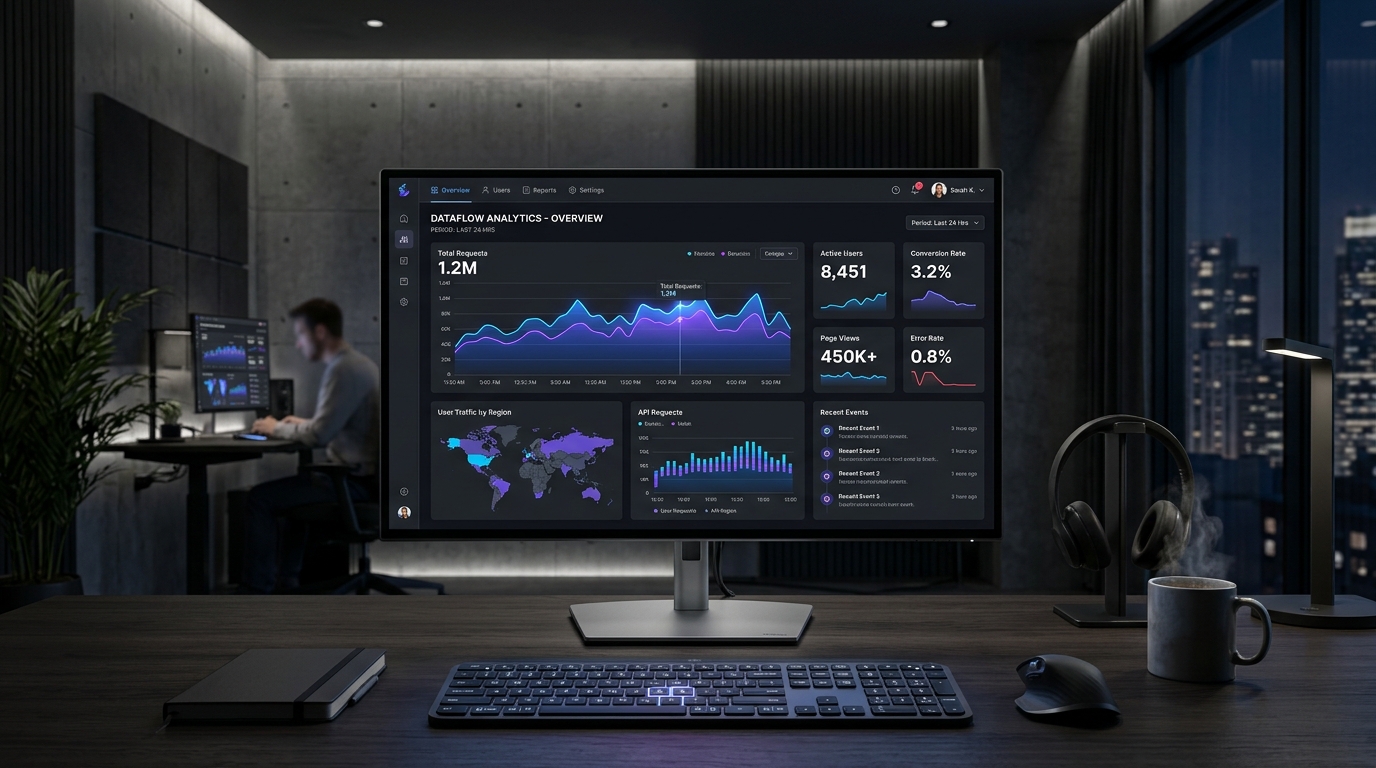
1. The Neutral Foundation: Why Dashboards Need Low-Fatigue Surfaces
In consumer apps, vibrant backgrounds can create brand distinctiveness. In enterprise analytics, users stare at the screen for 6 to 10 hours daily. Pure white (#ffffff) causes glare, while pure black (#000000) causes optical halation. The ideal dashboard canvas uses tinted dark slates (#0b0f19 to #151d30) or soft cool off-whites (#f8fafc to #f1f5f9). This provides 12:1 text contrast while preserving visual endurance.
:root {
  --dash-bg: #0b0f19;
  --dash-surface-1: #111827;
  --dash-surface-2: #1e293b;
  --dash-border: rgba(255, 255, 255, 0.08);
  --dash-text-primary: #f8fafc;
  --dash-text-muted: #94a3b8;
}
2. Categorical vs. Sequential vs. Diverging Palette Roles
A fatal mistake in dashboard engineering is reusing the primary brand color for data visualizations. If your brand button is blue (#3b82f6) and your chart line is blue, users confuse interactive controls with informational trends. Dashboards require three distinct data color families: categorical for unrelated dimensions, sequential for light-to-dark density scales, and diverging for positive/negative variance from a baseline zero.
| Family | Recommended Range | Use Case | Accessibility Rule |
|---|---|---|---|
| Categorical | #3b82f6, #10b981, #f59e0b, #ec4899 | Comparing 4-6 distinct server nodes | Diverge hue by ≥ 35° |
| Sequential | hsl(217, 91%, 95%) to hsl(217, 91%, 35%) | Choropleth heatmaps & transaction volume | Monotonic luminance curve |
| Diverging | #ef4444 (Neg) | #64748b (Zero) | #10b981 (Pos) | Quarterly P&L and server latency delta | Equal lightness from center |
3. Status Badges & Alert Hierarchy Without Visual Alarm
When every warning banner uses blazing red, users experience alert fatigue. Professional systems reserve saturated red (#ef4444) strictly for destructive failures. Non-critical states use muted warning ambers (#f59e0b) and soft informational indigos (#6366f1) with semi-transparent background badges (15% opacity) to keep the data table scanning effortless.
4. Summary Checklist for Dashboard Color Architecture
Always test data charts against protanopia and deuteranopia simulators. Never rely solely on color to indicate status—always pair color badges with directional arrows (+2.4%) or SVG status glyphs. Use our Palette Studio and Contrast Checker to test your dashboard data tokens before shipping to production.
5. Implementation Blueprint & Token Architecture
Translating theoretical color principles into production code requires consistent design token binding. When engineers hardcode ad-hoc hexadecimal values directly inside component CSS classes, theme parity breaks down and maintaining accessibility becomes an ongoing liability. By adopting disciplined semantic variables, your frontend application can swap themes, adapt to high-contrast operating system preferences, and enforce strict accessibility thresholds across every viewport.
When architecting your color tokens, establish an invariant rule: UI components must consume semantic tokens rather than raw primitives. This abstraction layer ensures that updating your brand identity or adjusting dark mode surface elevations requires changing values in a single centralized design token stylesheet rather than executing search-and-replace across thousands of individual CSS or JSX files.
/* Centralized Design Token Integration Blueprint */
:root {
  --color-canvas-base: #f8fafc;
  --color-surface-card: #ffffff;
  --color-border-subtle: rgba(0, 0, 0, 0.08);
  --color-text-primary: #0f172a;
  --color-text-muted: #64748b;
  --color-interactive-primary: var(--brand-500);
  --color-interactive-hover: var(--brand-600);
}

[data-theme="dark"] {
  --color-canvas-base: #080810;
  --color-surface-card: #16162a;
  --color-border-subtle: rgba(255, 255, 255, 0.08);
  --color-text-primary: #f0f0fa;
  --color-text-muted: #a0a0c0;
  --color-interactive-primary: var(--brand-400);
  --color-interactive-hover: var(--brand-500);
}
For frontend engineering teams using modern utility-first CSS frameworks like Tailwind CSS, export your verified semantic tokens directly into your tailwind.config.js file. This creates autocompleted utility classes such as bg-surface-card and text-interactive-primary, ensuring developers build accessible, harmonious interfaces without leaving their editor.
Put These Tokens into Practice
Explore our interactive design tools to test contrast ratios, generate 50–950 shade steps, or discover harmonious color palettes.